Every capability here is implemented with working logic, and most carry unit tests. This is the product as audited, grouped the way it is built.
Time capture
Punch state machine
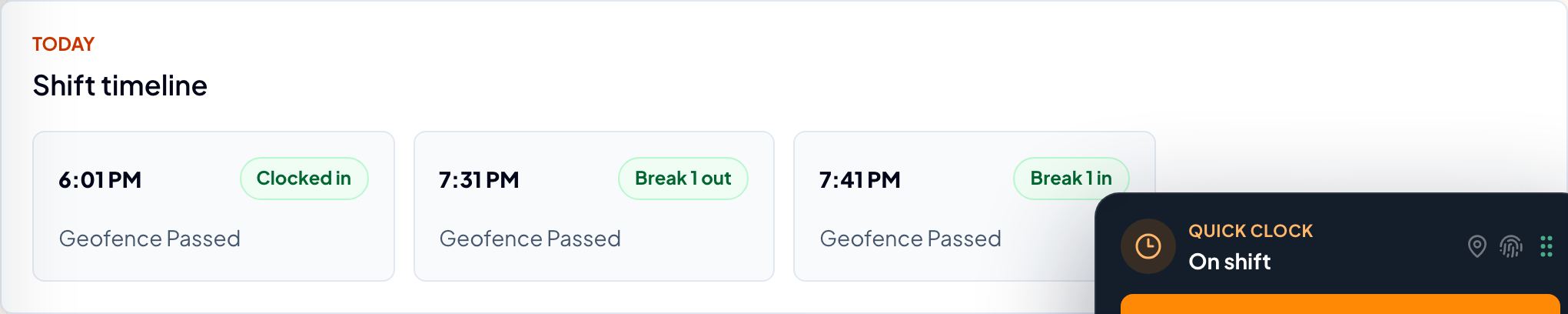
Every punch lands in order. Clock in, rest, meal — the sequence is enforced, so an out-of-order punch cannot be recorded.
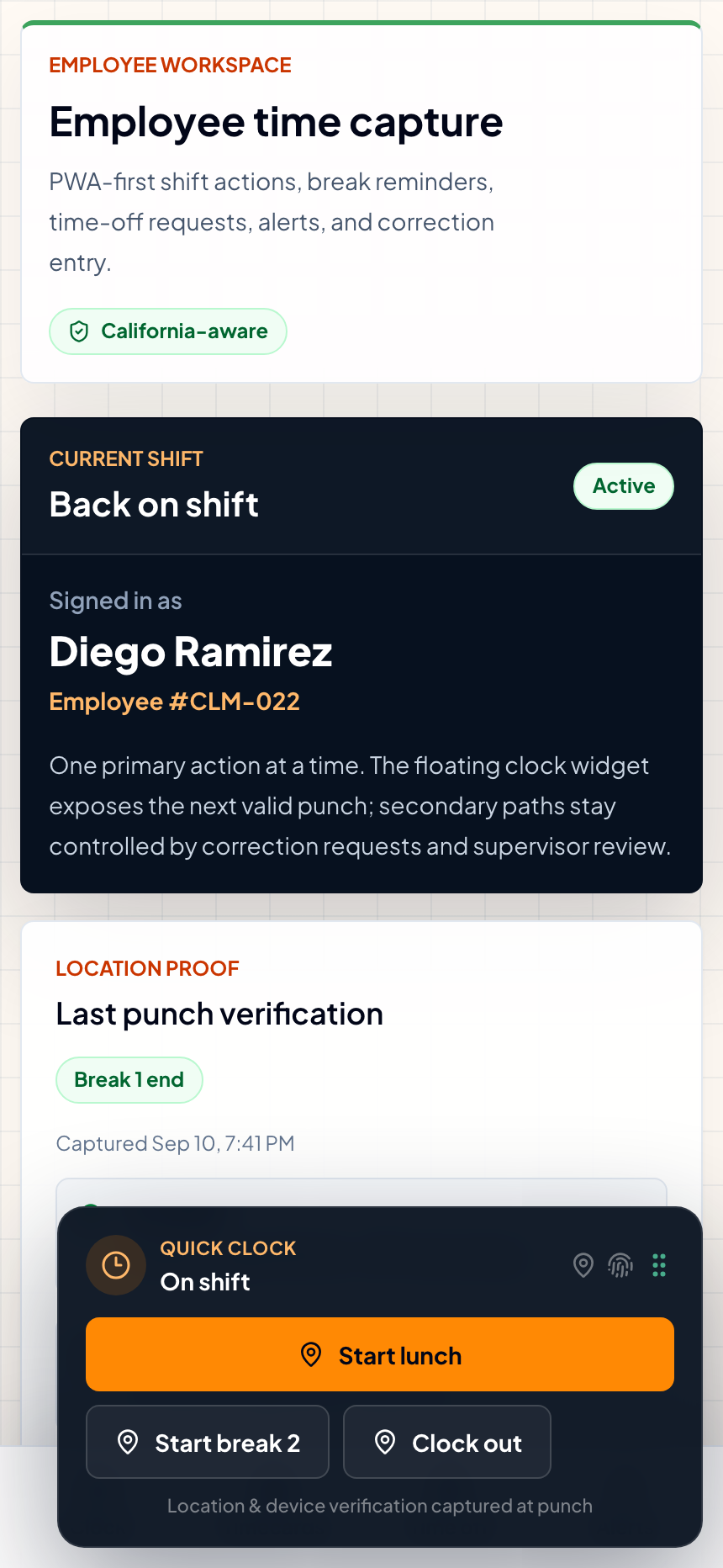
Phone-first. One primary action at a time — the widget only ever offers the punch that makes sense next.
Geofencing
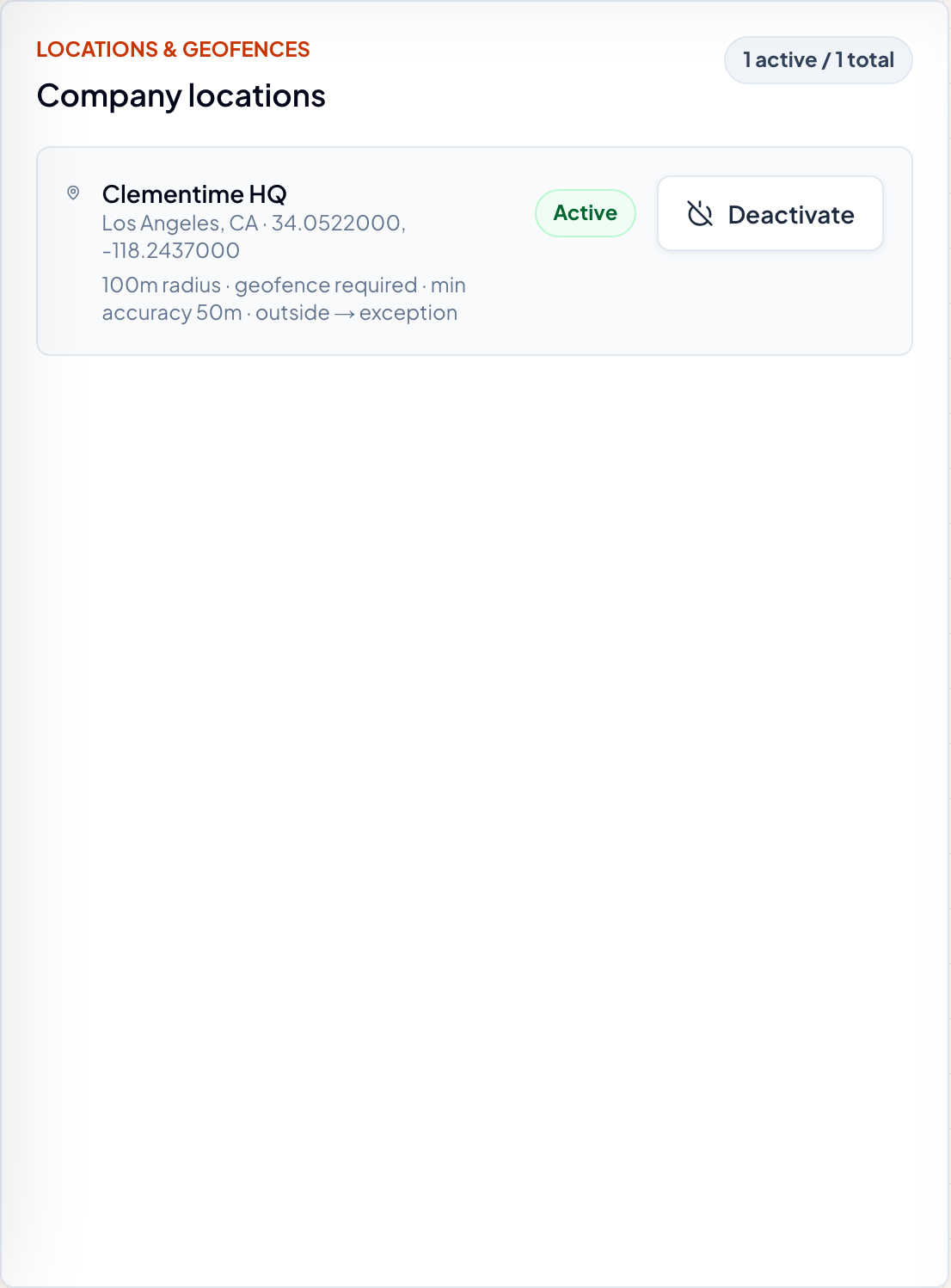
Each location carries its own geofence. A punch records where it happened relative to that fence.
Device trust
Each punch carries the device it came from: a registered fingerprint with a status of active or revoked.
Labor compliance
California meal & rest
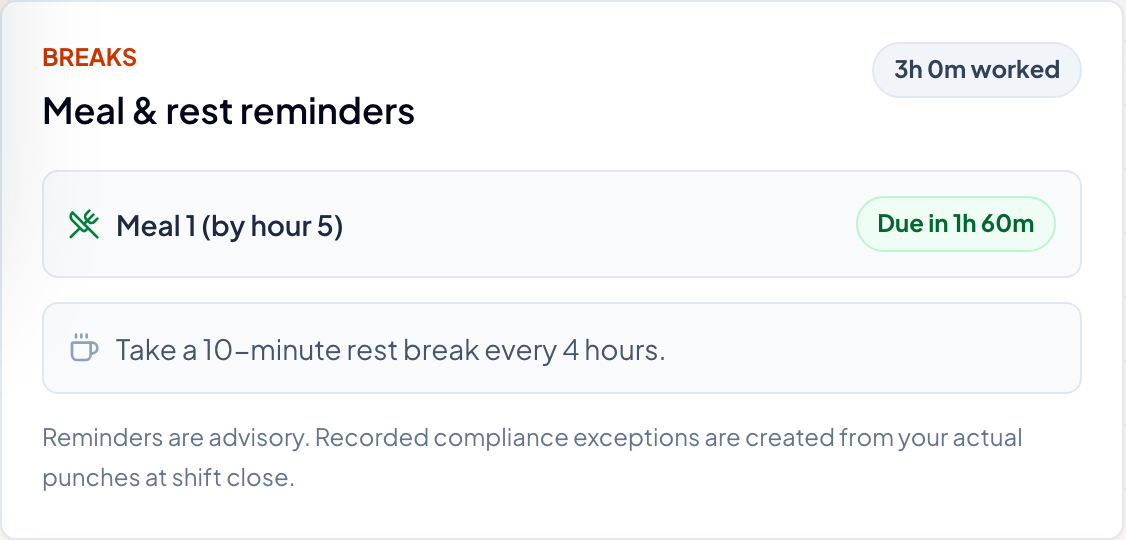
Meal by hour five, second meal by hour ten, thirty minutes minimum. Detected after the fact and surfaced for review — the clock never stops an employee from working.
Overtime & double-time risk
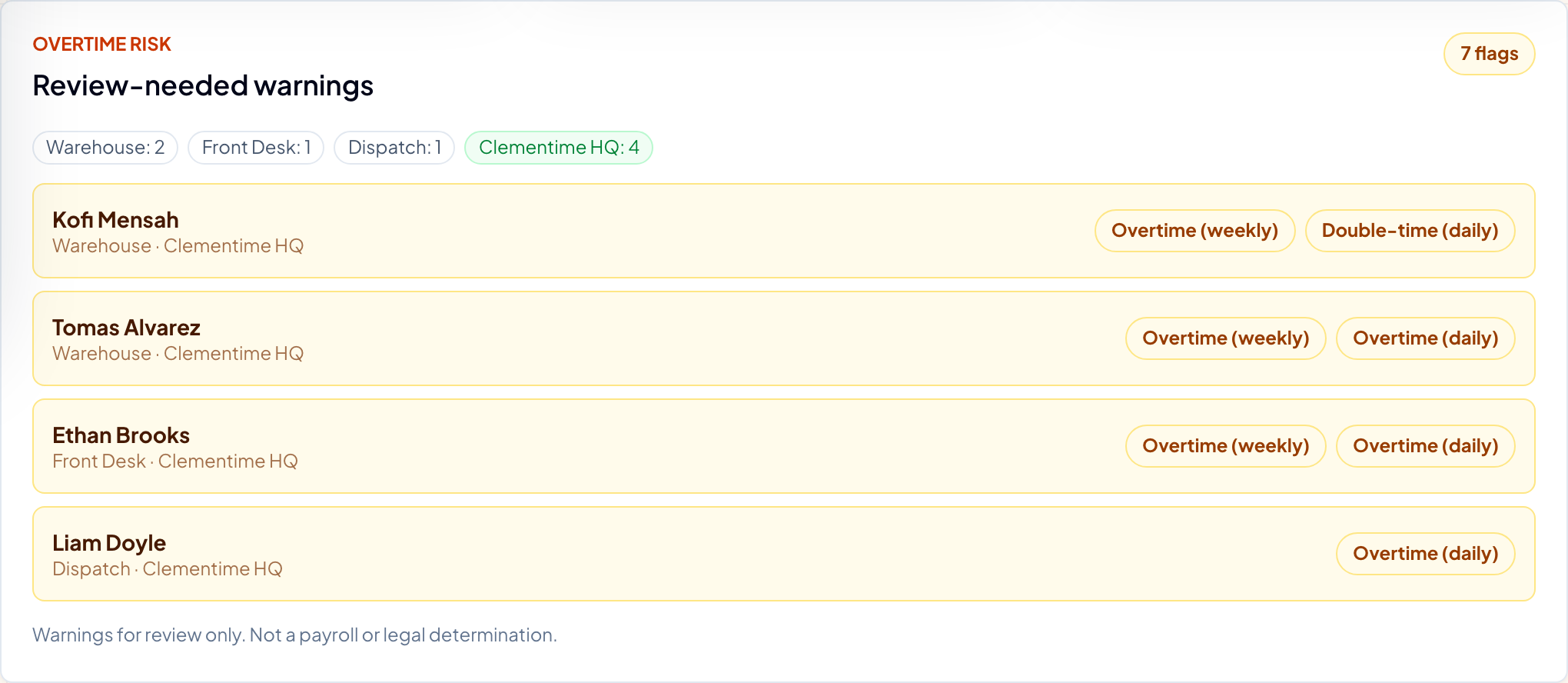
Daily over 8, weekly over 40, double-time over 12. Emitted as severity-rated warnings for review, not as pay determinations.
Policy versioning
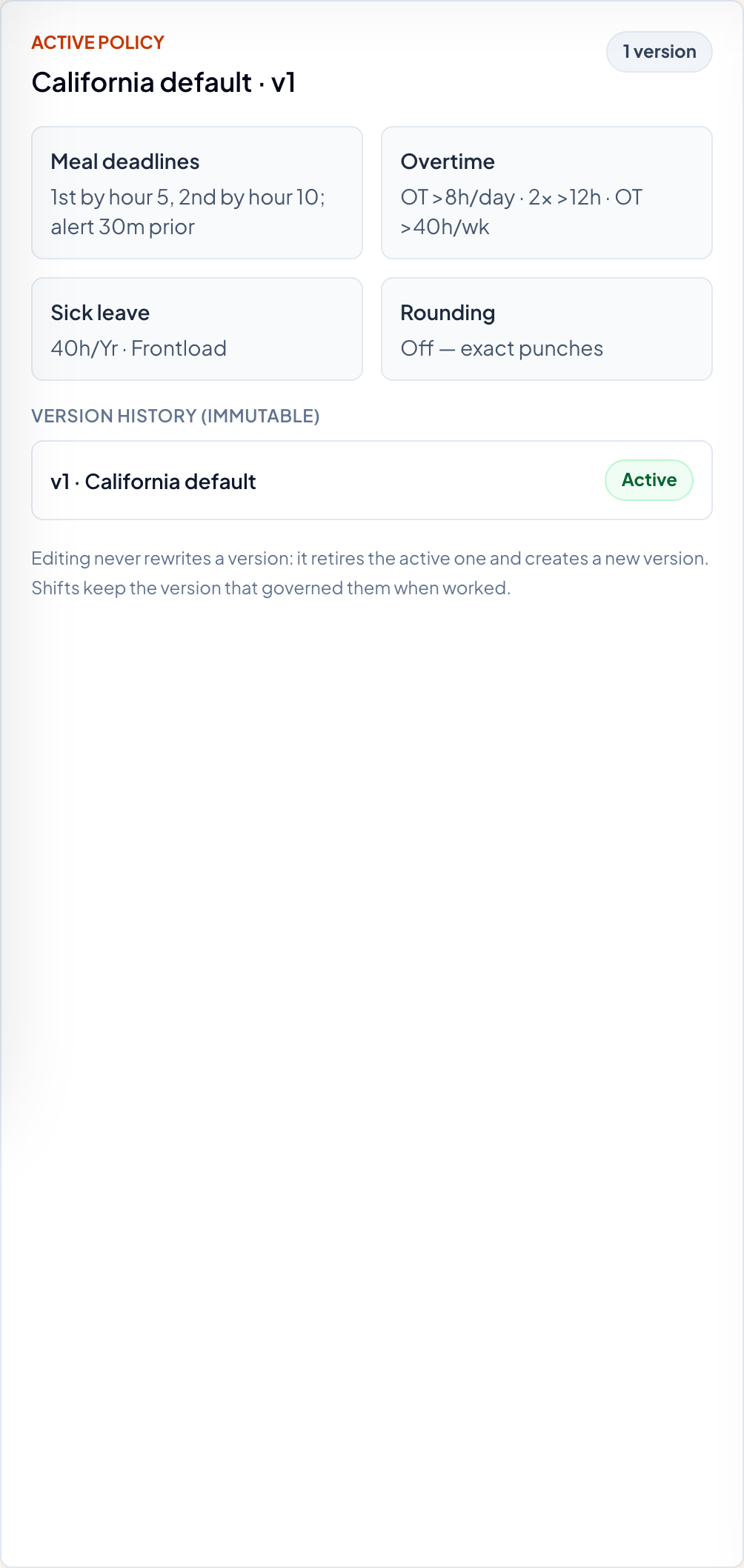
Policies are versioned and immutable. A shift is judged against the policy in force when it was worked, so changing a rule today does not rewrite last month.
Sick-leave accrual
Sick leave accrues at one hour per thirty worked and lives as a ledger of balance events, never a stored number.
Supervisor and manager workflow
Timecard corrections
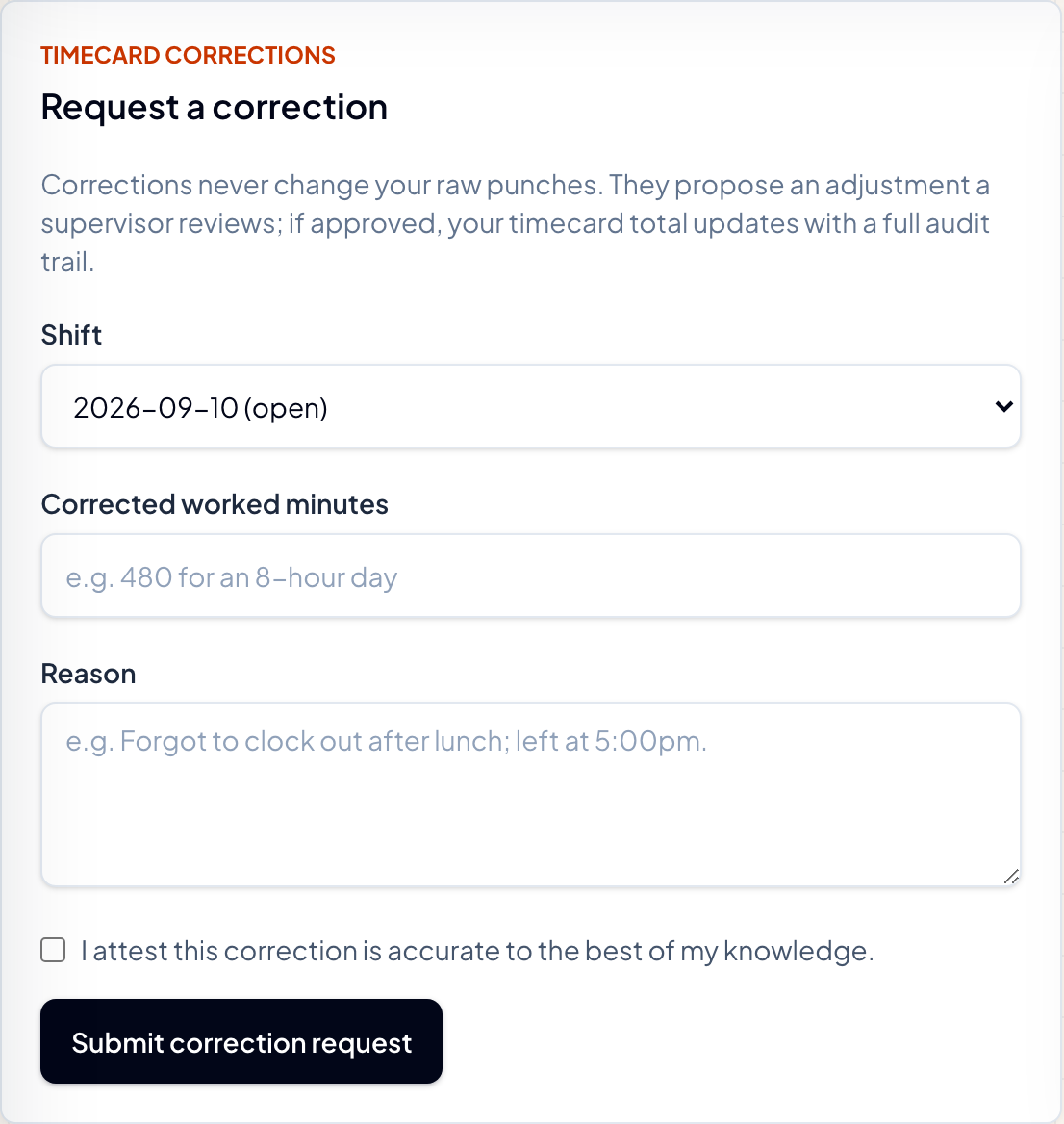
An employee submits a correction; a supervisor approves or rejects it through a queue. Every step is audited.
Punch overrides
A supervisor override never edits the punch. It is recorded in its own table, linked to the original, with a reason and an audit entry.
Exceptions queue
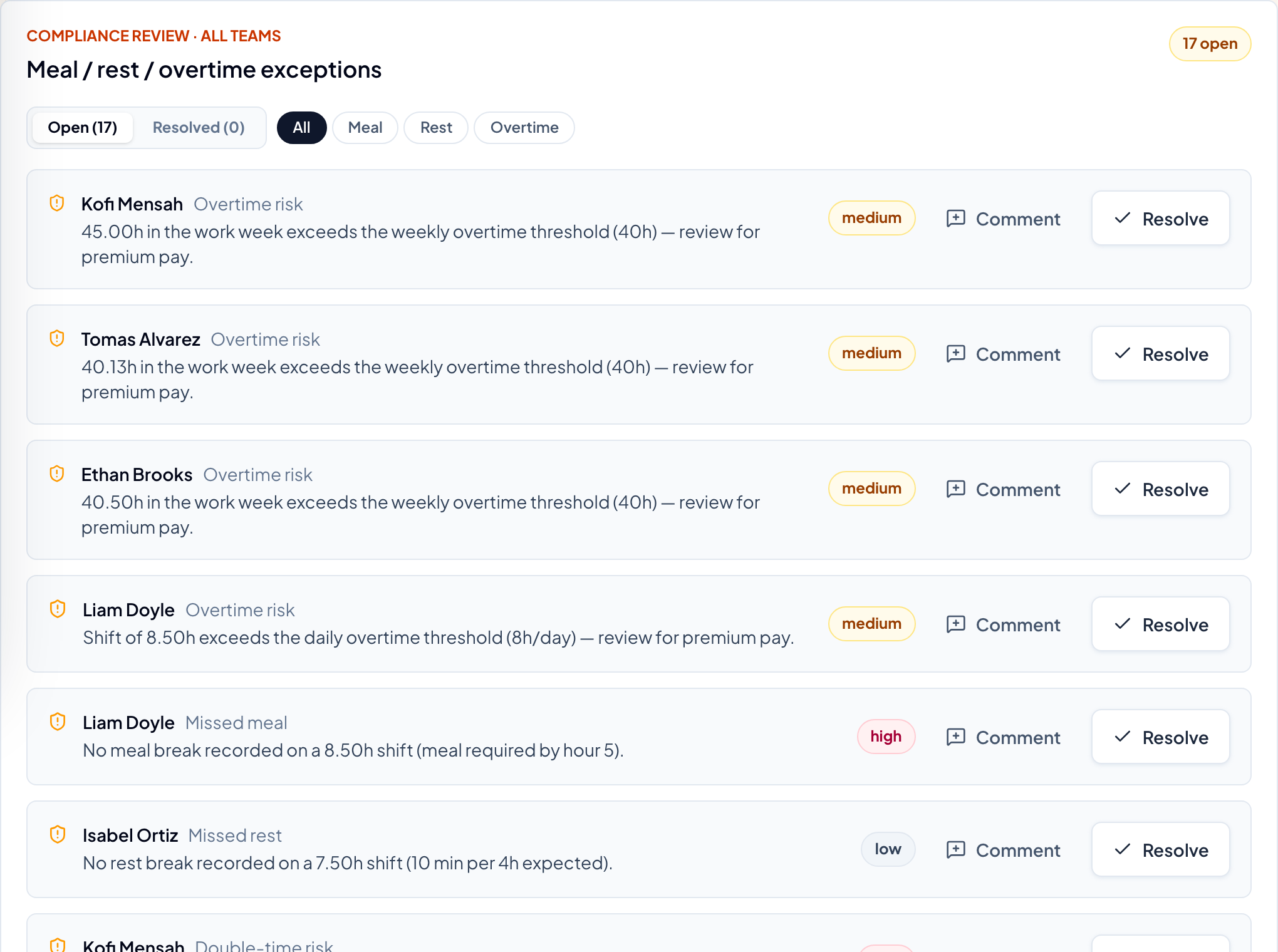
Exceptions have a lifecycle. Open ones surface to the supervisor with a comment thread and a resolve action; resolved ones stay on the record.
Time off
Requests, an approval flow, and a balance event on every decision.
Append-only audit log
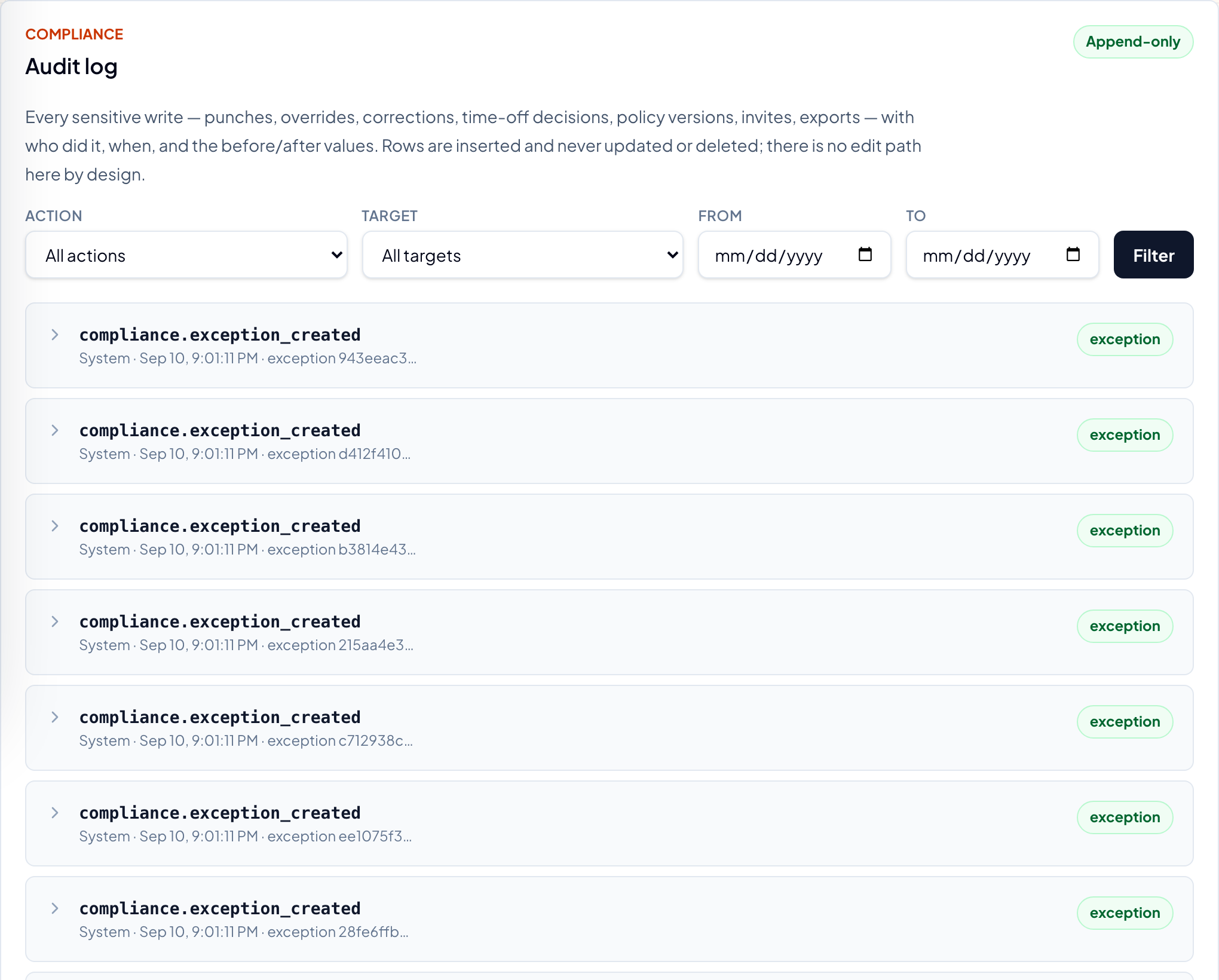
Every sensitive write — punches, overrides, corrections, time-off decisions, policy versions, exports — is appended with who, when, and the before and after. Rows are inserted and never edited.
Payroll and reporting
Payroll periods
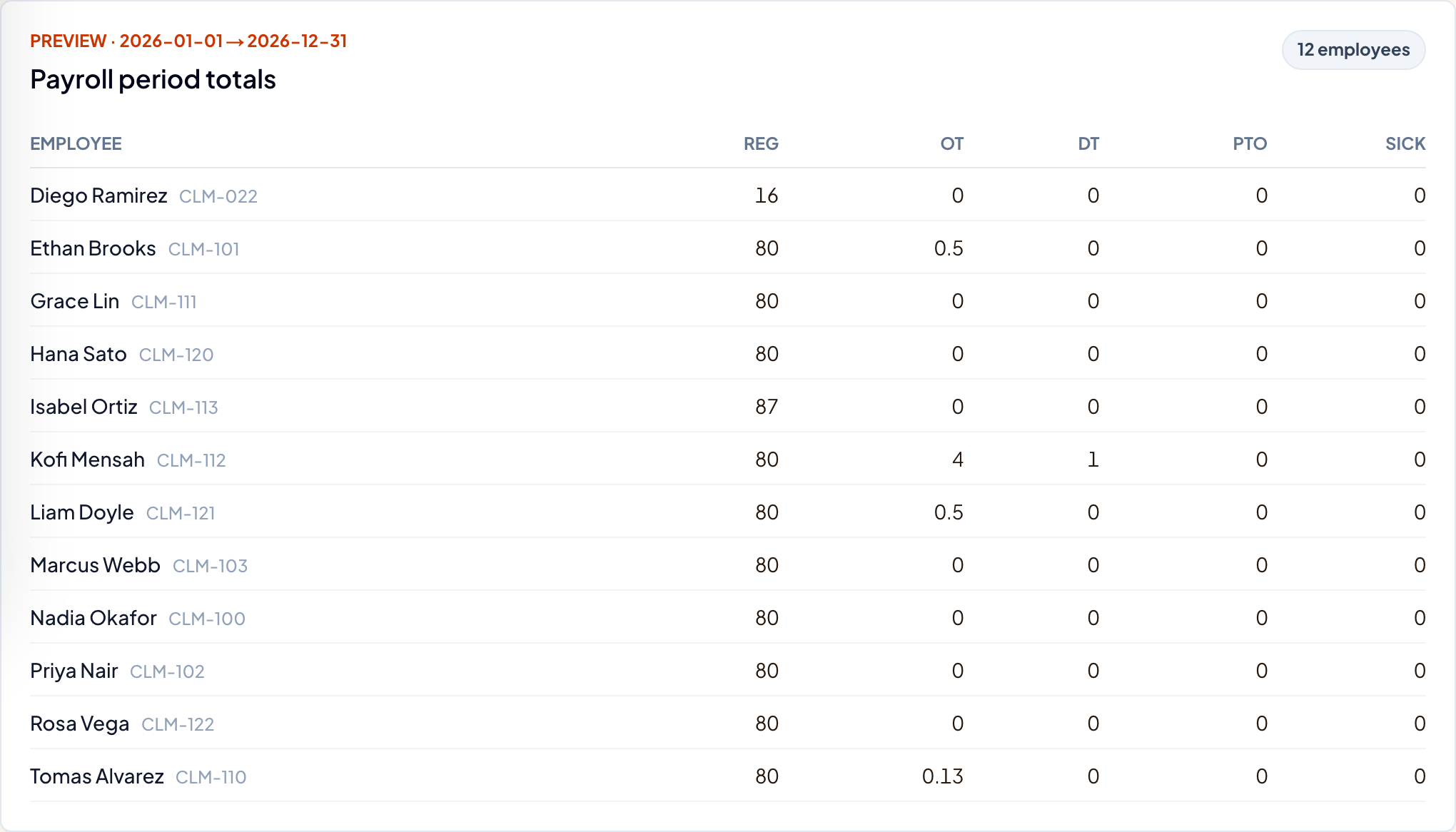
Hours by category per pay period, computed from corrected timecards. Hours and identifiers only — pay is computed by the payroll provider.
Paychex integration
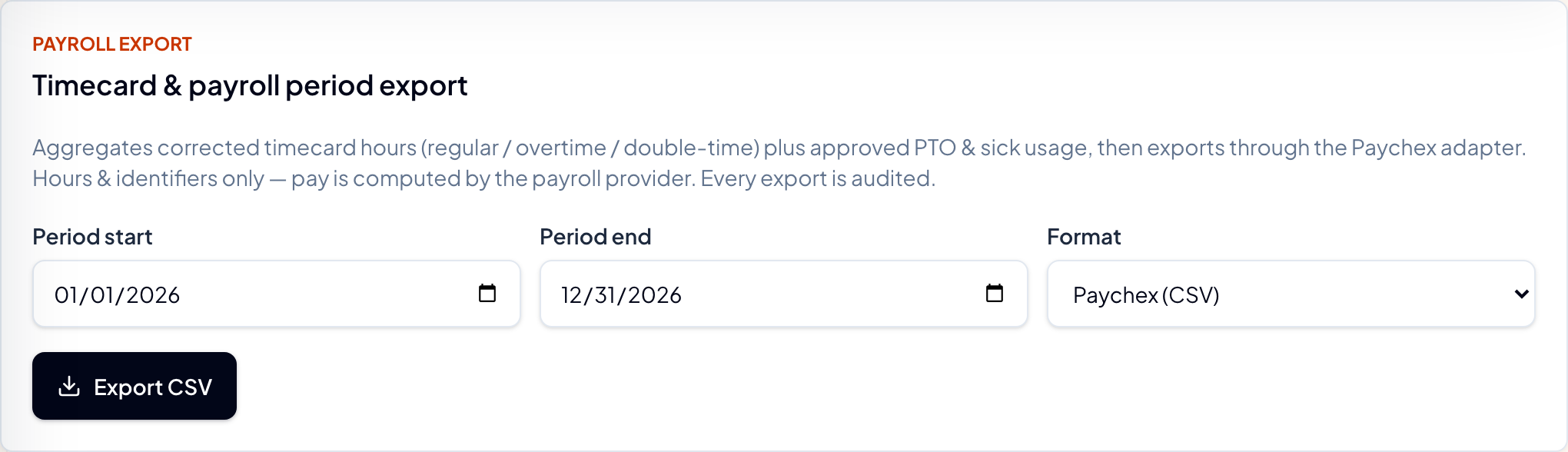
Two Paychex adapters — CSV export and direct API. Every export is audited.
Report exports
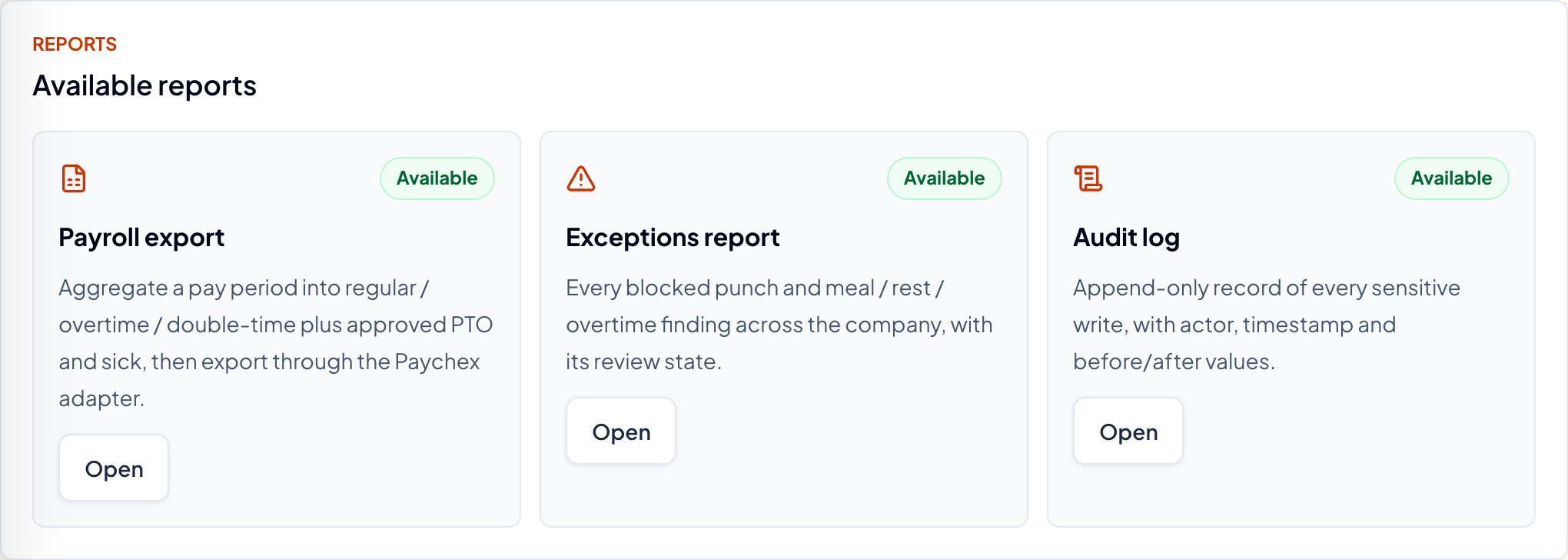
Typed report routes, exception reports, and an export history that records each run.
Notifications
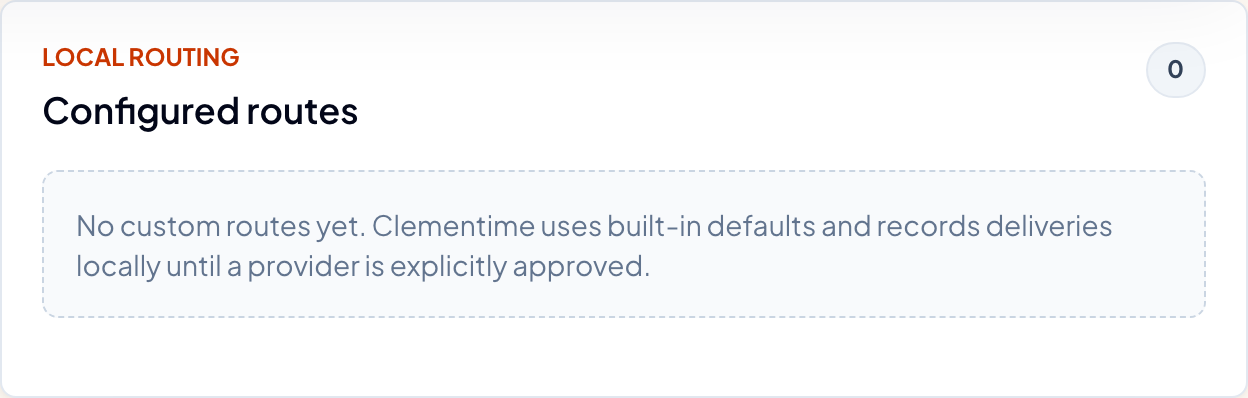
A routing layer with time-off alerts. Email and SMS shapes are present.
Product surface
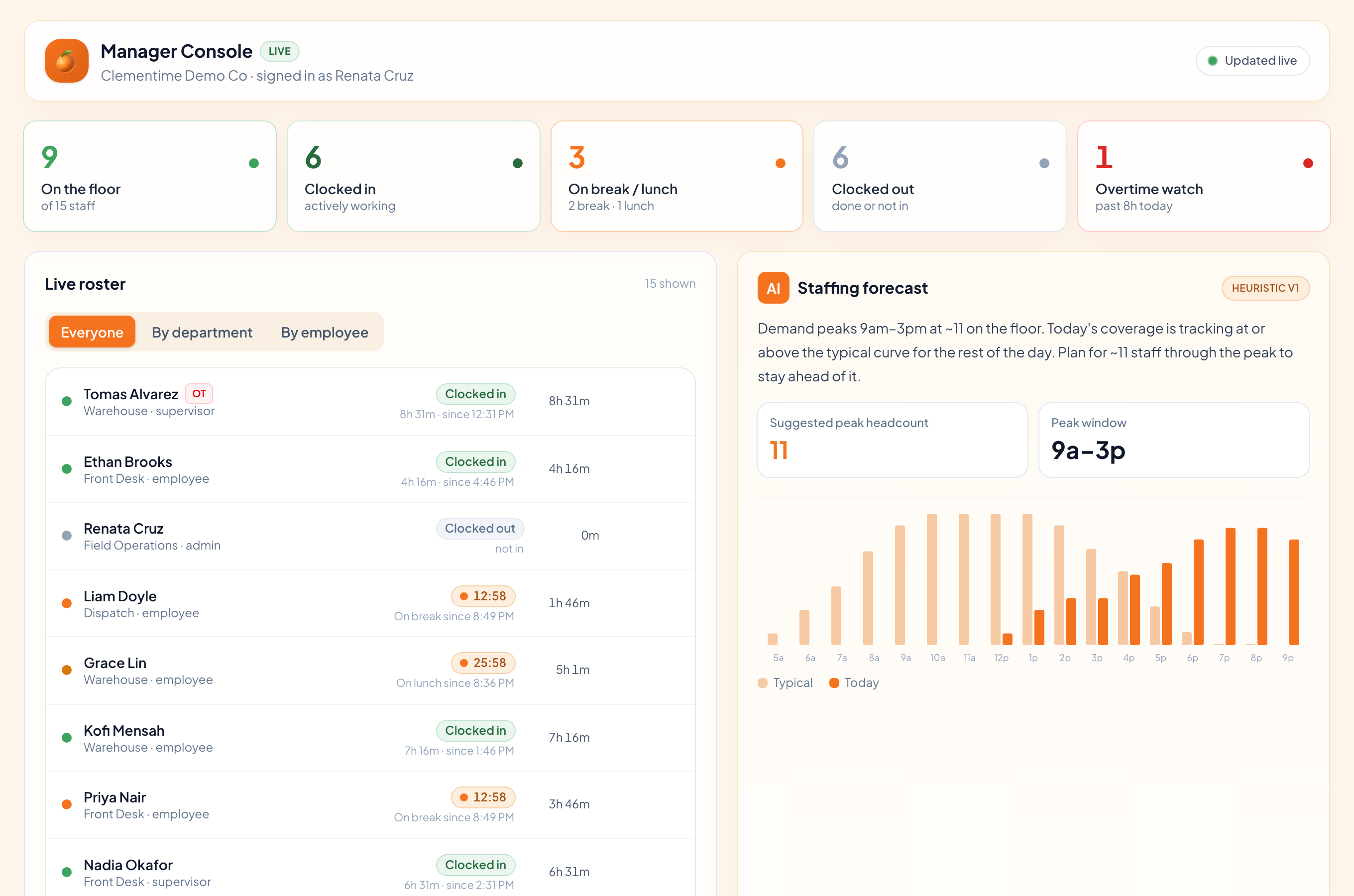
Four role consoles
Employee, Supervisor, Manager and Admin — four consoles, each its own interface.
Leaflette guide
Leaflette is the in-app guide: an intro sequence, a spotlight that dims the page around a live target, and tracked help topics.
Staffing forecast
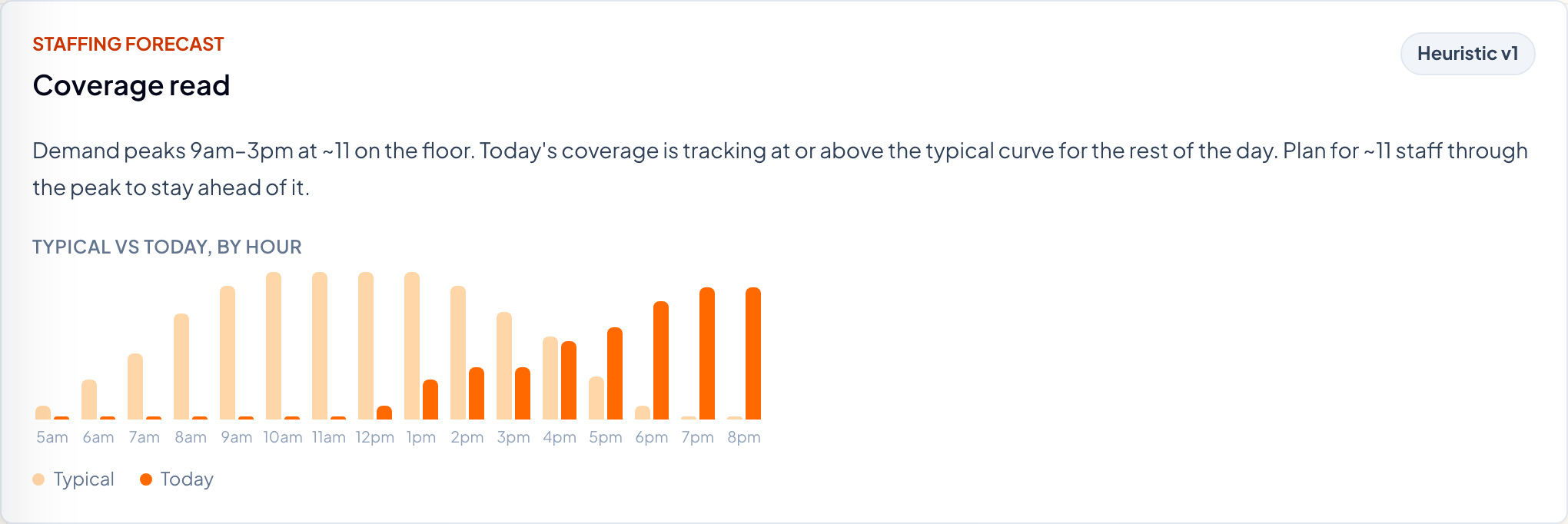
The one AI feature: a coverage read for the day, a suggested peak headcount and the peak window. It explains patterns; it never decides.